For UK players, a smooth login is the first step towards enjoying online casino games, promotional offers, and account features at Bonus Strike Casino. The process is designed to be straightforward on both desktop and mobile devices. Whether you are returning to play slots, checking your bonus balance, or reviewing your recent transactions, knowing how to access your account quickly can save time and help you avoid common errors.
This guide explains how to log in to Bonus Strike Casino, what to do if you forget your details, and which checks may be required before you can use all available features. It also covers practical points about payments and responsible play for players in the United Kingdom.
How to Access the Bonus Strike Casino Login Page
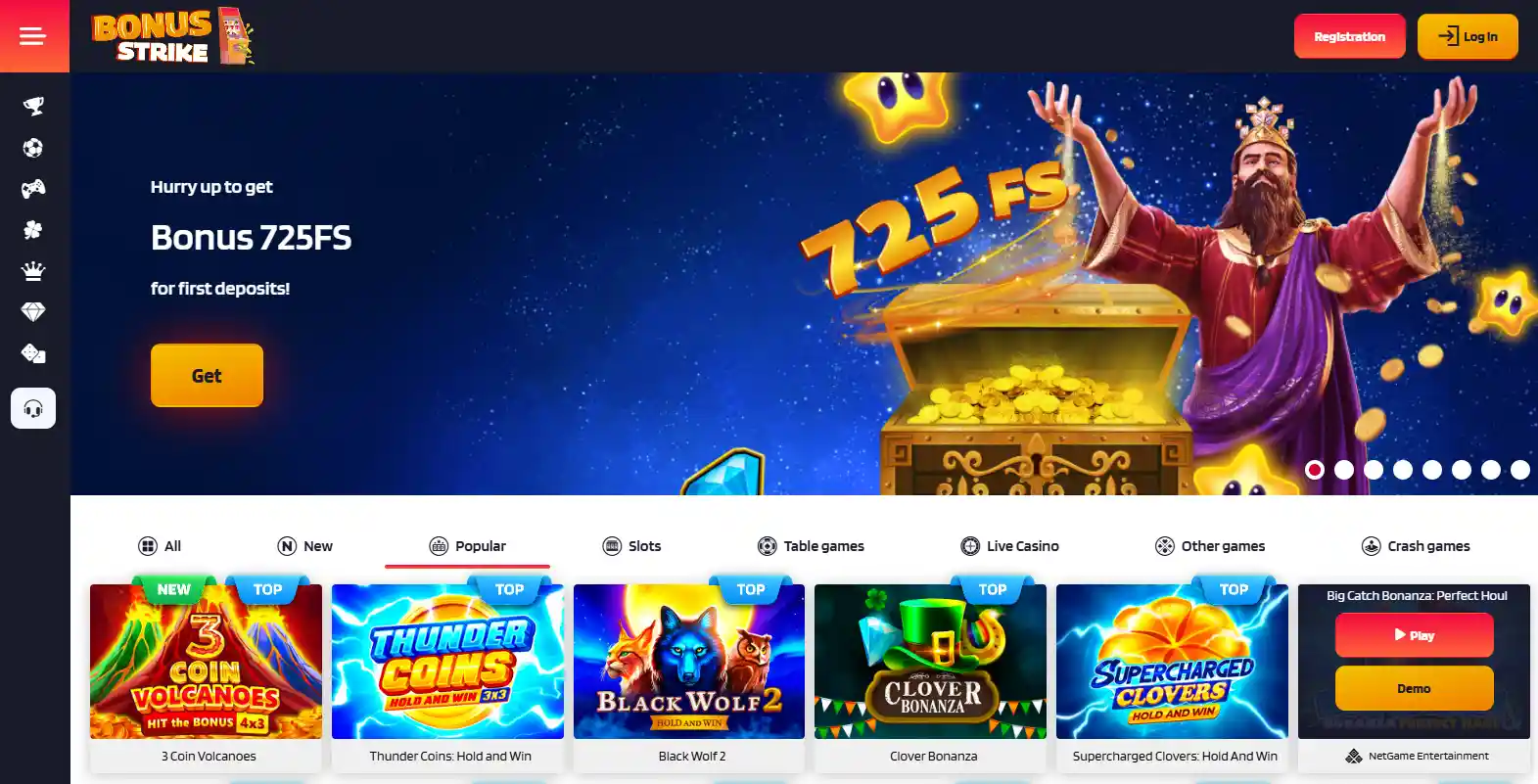
Start by opening the official Bonus Strike Casino website using a current version of a trusted browser. Look for the Login, Sign In, or similar button, usually positioned in the upper-right corner of the homepage. Select it to open the account access form.
You will normally be asked to enter the email address, username, or mobile number connected to your account, followed by your password. Check that your details are typed correctly before submitting the form. If you use a shared device, avoid selecting an option that saves your credentials unless the device is private and protected.
- Open the official casino website.
- Choose Login or Sign In.
- Enter your registered email address or username.
- Type your password carefully.
- Complete any security check if requested.
- Select the confirmation button to enter your account.
Some operators may also request a one-time verification code. This can be sent to your email address or mobile phone. Enter the code only on the official login page and never share it with another person.
What to Check Before Logging In
A few simple checks can make the process faster. Confirm that your internet connection is stable and that the website address is correct. UK players should also check that cookies and JavaScript are enabled, as certain account functions may not work properly when browser settings are heavily restricted.
If the website does not load correctly, try refreshing the page or opening it in another supported browser. Clearing cached files can help when an old page version is preventing the login form from appearing. On mobile devices, updating the browser or using the casino’s official mobile interface may resolve display issues.
Forgotten Passwords and Locked Accounts
If you cannot remember your password, use the Forgot Password or Reset Password link below the login form. You will usually need to enter the email address associated with your account. A reset message should then be sent to your registered inbox.
Check the spam, junk, or promotions folders if the email is not visible immediately. Use a strong new password containing a mixture of letters, numbers, and symbols, and do not reuse a password from another gambling or financial service.
Several unsuccessful login attempts may temporarily lock an account as a security measure. In this situation, wait for the stated period or contact customer support through the official help channels. Support agents may ask identity questions before restoring access, especially when an account contains payment or personal information.
Account Verification for UK Players
Online casinos commonly perform identity and age checks before allowing withdrawals or continued play. You may be asked to provide documents such as a passport, driving licence, or proof of address. This is part of the operator’s anti-money-laundering and safer-gambling obligations.
Make sure that any uploaded document is clear, complete, and valid. The name and address should match the information in your casino profile. Avoid sending documents through unofficial social media accounts or unknown email addresses. Use the secure verification area shown inside your account or the official support instructions.
Verification can sometimes delay a withdrawal, so completing it early may make future transactions more convenient. It is also important to keep your profile information up to date if you move house, change your email address, or replace a phone number.
Logging In on a Mobile Device
Bonus Strike Casino can generally be accessed through a mobile browser, allowing UK players to sign in without downloading software. Open the website on your smartphone or tablet, select the menu icon, and tap the login option. The form should adapt to the smaller screen.
Use a secure private connection whenever possible. Public Wi-Fi networks can present additional security risks, particularly when entering account credentials. If your device supports biometric protection, activate the phone’s security features and avoid leaving an active casino session open when the device is unattended.
Mobile access is useful for checking promotions, viewing game histories, and managing deposits. Nevertheless, players should avoid making rushed decisions simply because the account is available at any time. Set personal limits before playing and take regular breaks.
Payments, Withdrawals, and Account Access
After logging in, the cashier section usually provides access to deposits, withdrawals, payment methods, and transaction history. The options available to UK customers may include cards, bank transfer, and selected e-wallets, depending on the operator’s current terms.
Before confirming a transaction, review the minimum and maximum amounts, processing times, fees, and any verification requirements. how fast withdrawals work with e-wallet payments can depend on account verification, internal checks, and the payment provider’s own processing procedures. An e-wallet may appear quick, but pending reviews or incomplete documentation can still affect the final time.
Never provide your login password to a payment provider or another person. Legitimate support staff should not need your complete password. If a payment request looks unusual, stop and contact the casino through its verified support page.
Common Login Problems and Solutions
Incorrect Username or Email
Check for typing mistakes, additional spaces, and automatic capitalisation on mobile keyboards. If you registered with more than one email address, try the address used during account creation. The password recovery tool can often confirm whether the email is connected to an account.
Password Rejected
Passwords are case-sensitive. Enter the details manually instead of relying on an old browser entry. If the problem continues, reset the password rather than repeatedly trying different combinations.
Verification Code Not Received
Wait briefly before requesting another code, as repeated requests may invalidate earlier messages. Confirm that your phone has a signal and that your email inbox is not full. If the code still does not arrive, contact official customer support.
Website or App Not Responding
Refresh the page, restart the browser, and check your connection. Disable conflicting extensions temporarily, particularly ad-blocking or script-control tools. If the issue affects only one device, try another device to identify whether the problem is local.
Questions and Answers
Can I log in before completing verification?
In many cases, registration allows initial access before every verification step is completed. However, certain activities, especially withdrawals, may remain restricted until the required checks are finished.
What should I do if I suspect someone accessed my account?
Change your password immediately, sign out of other sessions if that option is available, and contact support. Review your account history for unfamiliar deposits, withdrawals, or game activity. If payment details appear compromised, contact the relevant payment provider as well.
Can I use the same account on desktop and mobile?
Usually, the same registered account can be accessed on different supported devices. Use the correct credentials and avoid creating duplicate accounts, as multiple accounts may conflict with promotional and account terms.
Why is my bonus not visible after login?
Check the promotions or bonus section and review the activation requirements. Some offers require a code, a minimum deposit, or manual activation. A bonus may also be unavailable if its eligibility period has ended or if wagering conditions have not been met.
Support and Responsible Access
If the standard troubleshooting steps do not solve the problem, use the casino’s official live chat, email, or help centre. Explain the issue clearly and include relevant information such as the error message, device type, and approximate time of the failed login. Do not include your password or full payment details in a support message.
Login access should make gambling convenient, not encourage excessive play. UK players can use account tools such as deposit limits, session reminders, cooling-off periods, and self-exclusion where available. If gambling stops feeling enjoyable or begins affecting finances, relationships, or daily responsibilities, take a break and seek independent support.
Final Verdict
Logging in to Bonus Strike Casino is generally a simple process: open the official website, enter your registered details, complete any security check, and access the account dashboard. Keeping your contact information current, using a strong password, and completing verification promptly can prevent many avoidable delays.
For UK players, the most important habits are to protect login credentials, review payment conditions before making transactions, and use responsible-gambling controls. With these precautions in place, account access should remain quick, secure, and convenient across desktop and mobile devices.